How to Install AAAD
Follow this step-by-step guide to download and install AAAD on your Android device safely and securely.
Method 1: Web App
Fastest & Easiest Way
The new Web App is the modern way to use AAAD. It works directly in your browser without needing to download APK files or change system security settings.
- Works on any device (Android, iOS, PC)
- No installation required
- Automatic updates
- Safer (no "Unknown Sources" needed)
Method 2: Android App
The classic method for installing via APK file.
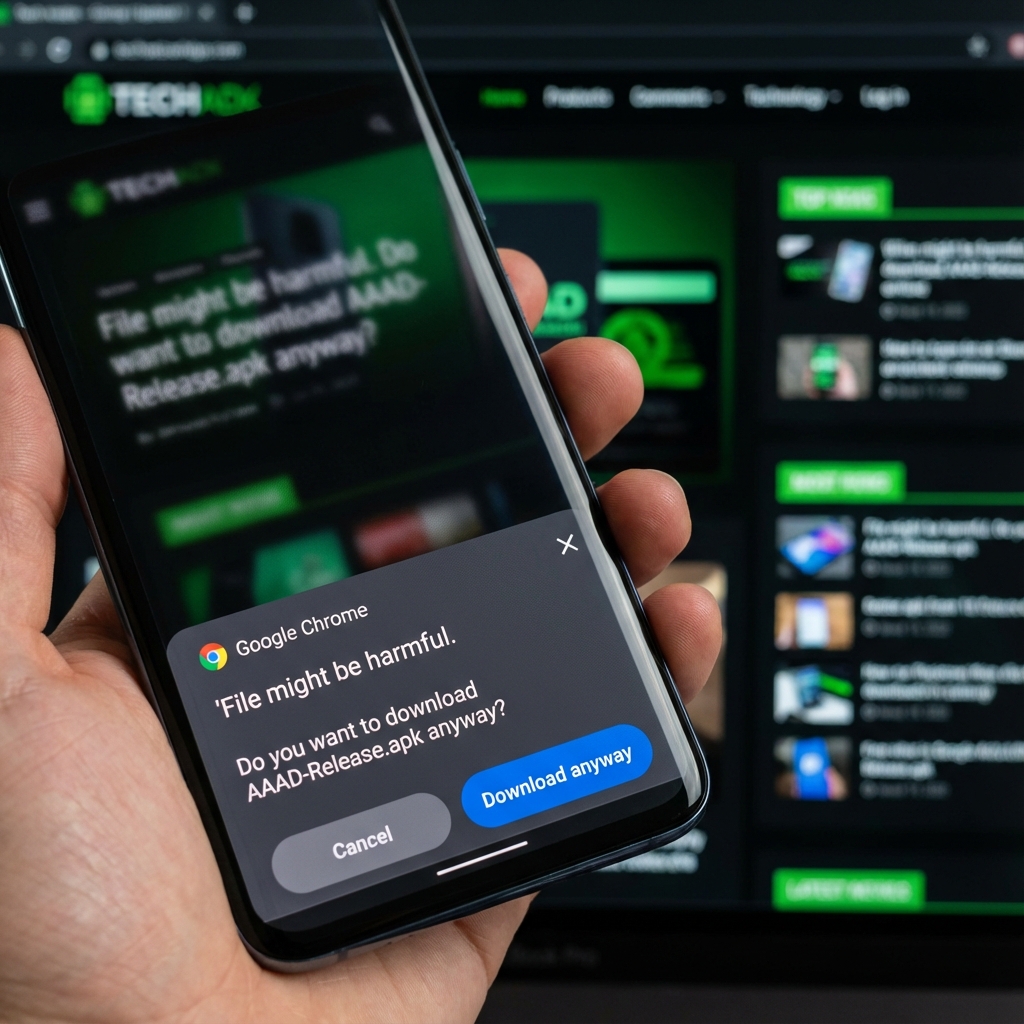
Download the APK
Click the download button below. Your browser may warn you that the file might be 'harmful'. This is standard for all apps downloaded outside the Play Store.
Download APK FileEnable "Unknown Sources"
Open the downloaded file. If prompted, tap Settings and enable "Allow from this source" for your browser.
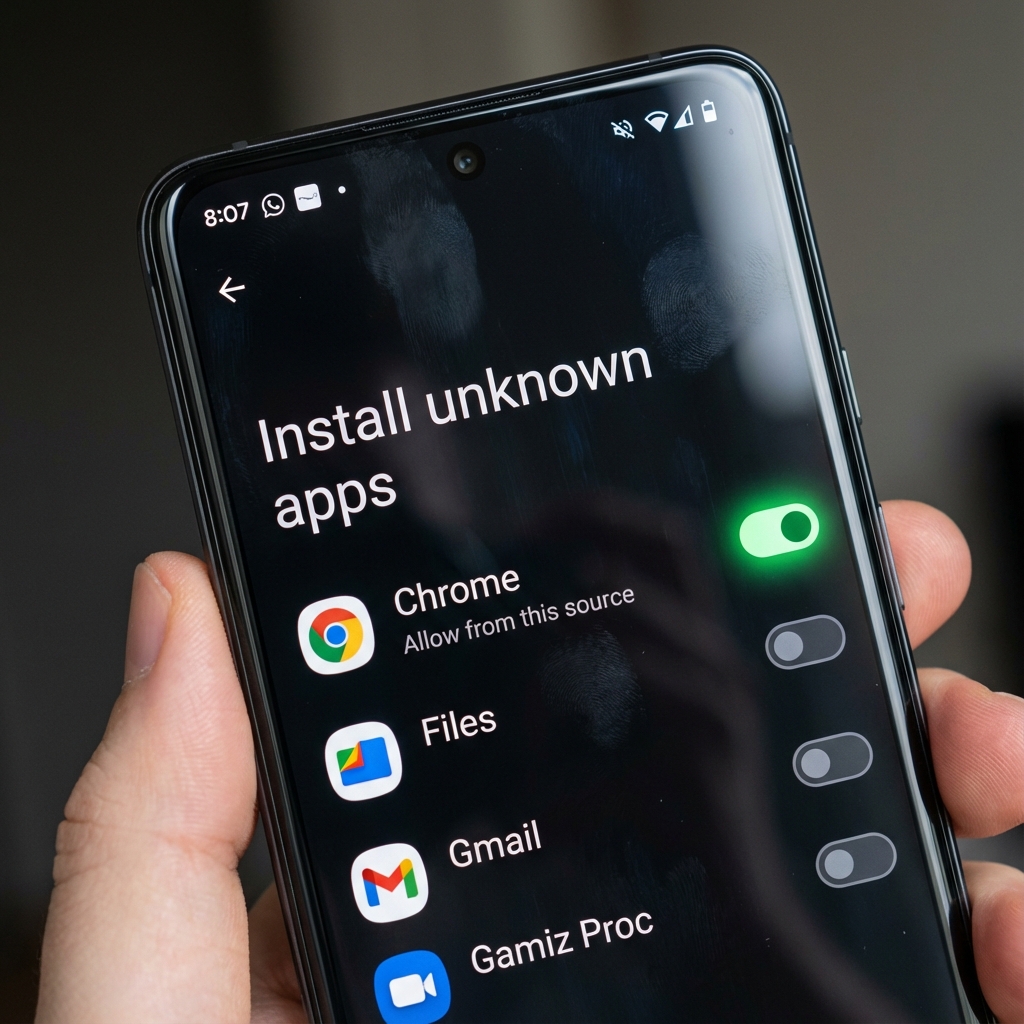

Install & Launch
Tap Install. Once finished, open AAAD to start downloading your favorite Android Auto apps.
Troubleshooting
! App Not Installed
If you see this error, ensure you don't have an older version of AAAD installed. Uninstall any previous versions and try again. Also check if you have enough storage space.
! Android Auto Developer Mode
If installed apps don't show up in your car, enable Developer Settings in the Android Auto app on your phone and check "Unknown Sources".