How to Watch YouTube on Android Auto (No Root) | 2026 Guide
YouTube is blocked on Android Auto by default, but you can unlock it without root by installing CarStream or Fermata Auto through AAAD (Android Auto Apps Downloader). Download AAAD from aaad.app, select your app, enable Unknown Sources in Android Auto Developer Settings, and connect your phone to your car. No PC or root required. Works on Android 14, 15, and 16. Download AAAD Android Auto is built for safety: navigation and audio only. YouTube video playback is blocked at the system level by G
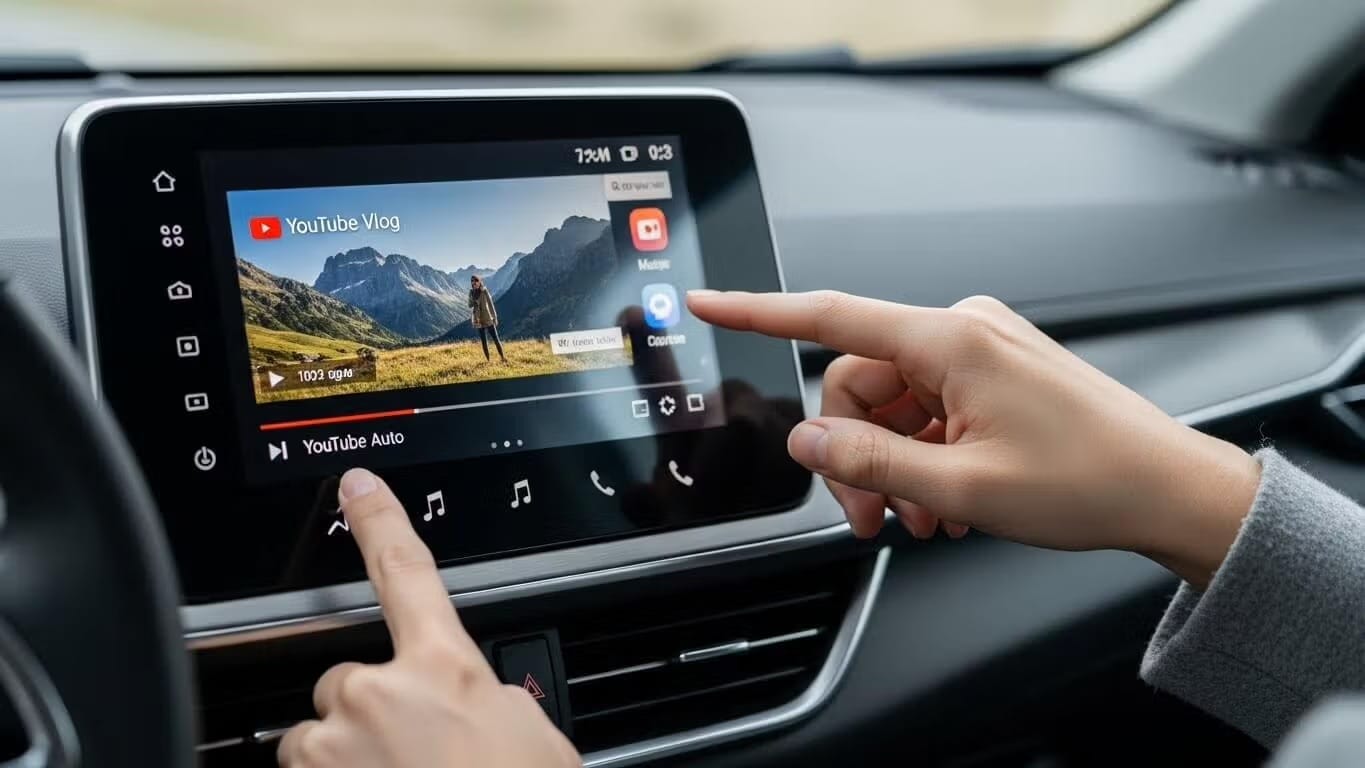
YouTube is blocked on Android Auto by default, but you can unlock it without root by installing CarStream or Fermata Auto through AAAD (Android Auto Apps Downloader). Download AAAD from aaad.app, select your app, enable Unknown Sources in Android Auto Developer Settings, and connect your phone to your car. No PC or root required. Works on Android 14, 15, and 16.
Android Auto is built for safety: navigation and audio only. YouTube video playback is blocked at the system level by Google's Gearhead service, the background process that manages the handshake between your phone and your car's head unit.
For parked use — EV charging stops, school pickup lines, rest breaks — that restriction is unnecessary. The good news is you can bypass it without rooting your phone, voiding your warranty, or connecting a PC. AAAD (Android Auto Apps Downloader) handles everything from your phone in a few taps.
This guide covers every no-root method available in 2026, including which app works best on Android 14, 15, and 16.
Top Apps for YouTube on Android Auto
| App | Best For | Android 14 / 15 / 16 | Install via AAAD |
|---|---|---|---|
| CarStream | Direct YouTube streaming, simple setup | ⚠️ May need workarounds on Android 15+ | ✅ Yes |
| Fermata Auto | YouTube + local video + IPTV + web browsing | ✅ Recommended for Android 14+ | ✅ Yes |
| Screen2Auto | Full phone screen mirror — open any app including YouTube | ✅ Works reliably | ✅ Yes |
| AA Mirror Plus | Advanced mirroring with split-screen and custom controls | ✅ Works reliably | ✅ Yes |
Which should you pick?
- Want the simplest YouTube experience? Use CarStream. One-tap install, YouTube-native interface on your car screen.
- On Android 14, 15, or 16? Use Fermata Auto. More stable on newer OS versions and supports YouTube, local video, and IPTV in one app.
- Want to open any app — not just YouTube — on your car screen? Use Screen2Auto or AA Mirror Plus. These mirror your phone screen directly, so any app works.
What is AAAD?
AAAD, or Android Auto Apps Downloader, is an open-source app that downloads and installs unofficial Android Auto-compatible apps from trusted sources.
It tricks Android Auto into recognizing side loaded apps, bypassing Google Play restrictions. Available on GitHub, AAAD's free version limits you to one download per 30 days, while the Pro upgrade (one-time fee) allows unlimited access perfect for updates or trying alternatives like Fermata Auto, Car Stream, Screen2Auto, AA Mirror Plus.
Before You Start
Check these before installing:
- Android version: Android 6.0 or higher. Android 14, 15, and 16 are supported.
- Android Auto version: 11.0 or higher recommended. Update via the Play Store if needed.
- Connection type: USB or wireless Android Auto both work. If wireless, ensure your phone and head unit are on the same Wi-Fi network.
- Unknown Sources: You will enable this in Android Auto Developer Settings during setup — no need to change any other system setting.
- Google Play Protect warning: Expected. AAAD is not distributed through the Play Store. Tap "Install anyway" when prompted. The warning is triggered by the distribution method, not a security risk.
Why Watch YouTube on Android Auto?
Android Auto prioritizes safety by blocking video to meet Driver Distraction guidelines. This limits you to maps and audio but parked users want more. Rooting risks warranties, so no-root side loading via AAAD or alternatives is the go-to in 2026.
Key Benefits of No-Root Solutions
- Works on Android 6.0 through Android 16
- Simple phone-only setup no PC required
- No developer options needed for basic installation
- Focused on parked use for safety
- Supports YouTube, local videos, IPTV, and full screen mirroring
- Open source with GitHub distribution and checksums for security
Step-by-Step Guide: Install and Watch YouTube
- Download Installer Start with AAAD from GitHub.
- Select and Install App In AAAD, choose CarStream, Fermata Auto, Screen2Auto, or AA Mirror Plus.
- Enable Unknown Sources Settings > Search "Android Auto" > Tap version 10x > Developer Settings > Toggle Unknown Sources.
- Connect and Launch Wire or wireless connect apps appear in launcher. For mirroring (Screen2Auto/AA Mirror), open YouTube on phone.
Troubleshooting: Common 2026 Errors
"No New Messages" or App Not Appearing in Android Auto? This is the most common issue, usually indicating Android Auto hasn't recognized the new app.
- Solution: Double-check that you have enabled "Unknown Sources" in the Android Auto Developer settings (refer to Step 1). If it still doesn't show, try restarting your phone and then reconnecting your USB cable to force a new "handshake" between your phone and car.
Video Freezing, Buffering, or Audio-Only Playback? Newer Android versions aggressively manage background processes, which can affect video apps.
- Solution: Go to Settings > Apps > Fermata Auto > Battery. Select "Unrestricted" or "Don't optimize." This prevents Android from killing the app in the background.
Android 15/16 "Package Installer" Block or App Uninstalling Itself? Google Play Protect occasionally flags or removes sideloaded apps.
- Solution: If Android blocks the initial installation or the app disappears, you may need to use KingInstaller (available as an option within AAAD Pro) to "spoof" the installation source more effectively.
CarStream "Black Screen" or "App Not Responding"? CarStream's compatibility can be hit-or-miss with the latest Android Auto updates.
- Solution: Ensure you're using the absolute latest version of CarStream. If issues persist, consider switching to Fermata Auto as it generally offers better stability on newer Android versions.
Frequently Asked Questions (FAQs)
Is AAAD safe to use?
AAAD is open-source and distributed via GitHub. Every APK download includes a checksum that you can verify before installing. Google Play Protect warnings appear because AAAD is not distributed through the Play Store — not because it is malicious. The source code is publicly auditable at github.com/shmykelsa.
Does CarStream work on Android 15 and 16?
CarStream can have compatibility issues on Android 15 and 16 depending on your device and Android Auto version. Fermata Auto is the more stable choice on these versions. If you want to use CarStream specifically, update to the latest version and try KingInstaller (available in AAAD Pro) if problems persist.
What is the difference between CarStream and Fermata Auto?
CarStream is a dedicated YouTube wrapper with a car-optimized interface. Fermata Auto is a broader media player that supports YouTube, local video files, IPTV streams, and web browsing. For YouTube only, CarStream has a simpler interface. For everything else — or for Android 14 and newer — Fermata Auto is the better long-term pick.
What is the difference between Screen2Auto and AA Mirror Plus?
Both mirror your phone screen to your car display. Screen2Auto is better suited for power users who want full touch input and a custom app launcher on their car screen. AA Mirror Plus is easier to set up and better for casual use with a cleaner interface. Both are installed via AAAD. See the full Screen2Auto vs AA Mirror Plus comparison for side-by-side details.
Does YouTube Music work on Android Auto without AAAD?
Yes. YouTube Music is officially supported by Google and works natively on Android Auto without any third-party tools. This guide covers YouTube video playback only, which requires AAAD and a compatible app.
Can I use AAAD on a wireless Android Auto connection?
Yes. AAAD installs apps on your phone, not on your car. Once installed and configured, apps work with both wired and wireless Android Auto connections. The Unknown Sources setup in Step 3 only needs to be done once.
SAFETY WARNING: PARKED USE ONLY
Accessing video content via Android Auto is intended strictly for stationary use such as EV charging, waiting for passengers, or rest stops. Watching video while driving is illegal, dangerous, and violates the terms of service for both Google and your vehicle manufacturer. AAAD does not condone distracted driving.
Unlock the Power of Android Auto
Experience full customization. Download the official AAAD downloader and start running custom YouTube, mirror, and media apps in your car today.
Install AAAD Now