Best Android Auto Entertainment Apps in 2026
The best Android Auto entertainment apps in 2026 are Spotify and YouTube Music for music, Pocket Casts for podcasts, and Fermata Auto or CarStream (installed via AAAD) for video playback without the parked-only restriction. Audio apps work natively from the Play Store. Video apps require AAAD — no root needed. Android Auto handles music, podcasts, and audiobooks well out of the box. Spotify, YouTube Music, Poweramp — these all work natively, integrate with voice commands, and require nothing be
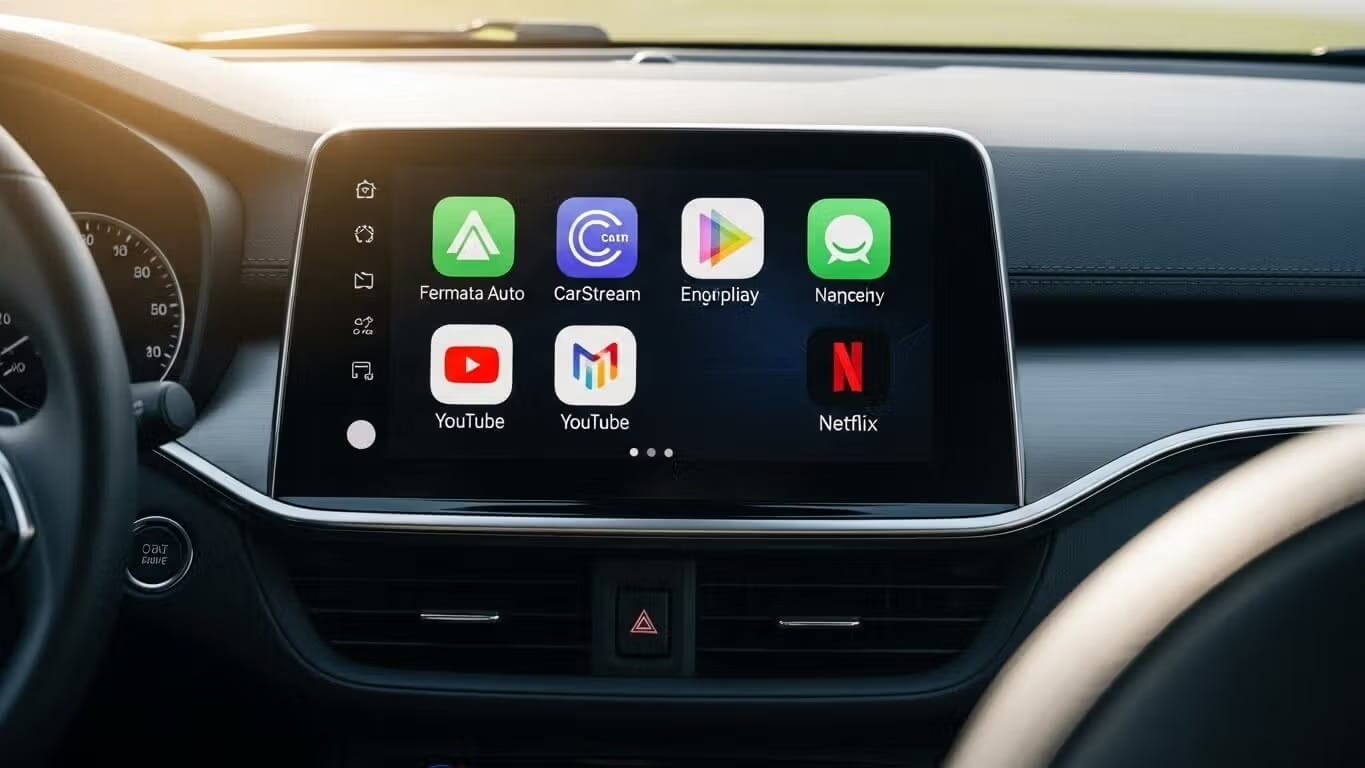
The best Android Auto entertainment apps in 2026 are Spotify and YouTube Music for music, Pocket Casts for podcasts, and Fermata Auto or CarStream (installed via AAAD) for video playback without the parked-only restriction. Audio apps work natively from the Play Store. Video apps require AAAD — no root needed.
Android Auto handles music, podcasts, and audiobooks well out of the box. Spotify, YouTube Music, Poweramp — these all work natively, integrate with voice commands, and require nothing beyond the Play Store.
Video is a different story. Google officially allows Netflix, YouTube, and gaming apps in 2026 — but only when the car is parked. The moment you shift into drive, the screen cuts off. For passengers on long drives, that limitation kills the experience.
This guide covers the full Android Auto entertainment stack: the official audio apps that work without any workarounds, and the third-party video apps available through AAAD (Android Auto Apps Downloader) that lift the parked-only restriction entirely — no root, no PC required.
If you came specifically for video apps, jump to the AAAD video section below or read the dedicated Android Auto video apps guide.The Essentials (Official Music & Audio)
Android Auto Entertainment Apps at a Glance
| App | Category | Requires AAAD | Works While Driving | Free |
|---|---|---|---|---|
| Spotify | Music streaming | No | ✅ Yes | Partial |
| YouTube Music | Music + Google ecosystem | No | ✅ Yes | Partial |
| Poweramp | Local audio (FLAC, MP3) | No | ✅ Yes | Trial |
| Musicolet | Free offline audio | No | ✅ Yes | ✅ Yes |
| Pocket Casts | Podcasts | No | ✅ Yes | Partial |
| Netflix / YouTube (official) | Video streaming | No | ❌ Parked only | Partial |
| Fermata Auto | YouTube + IPTV + local video | ✅ Yes | ✅ Yes | ✅ Yes |
| CarStream | Dedicated YouTube | ✅ Yes | ✅ Yes | ✅ Yes |
| Screen2Auto | Full phone screen mirror | ✅ Yes | ✅ Yes | ✅ Yes |
Apps marked "Requires AAAD" are not available on the Google Play Store. Download AAAD to install them — no root or developer options needed.
The Essentials (Official Music & Audio)
For standard audio streaming and high-quality offline playback, the Google Play Store offers excellent "official" options that integrate seamlessly with voice commands.
- The Streaming Giants: Spotify & YouTube Music
- Spotify: Holding a dominant 65% market share among Android Auto users, Spotify is the king of the road. Its "Car View" interface features large touch targets and simplified controls.
- Best Feature: Spotify Jam. This feature has rolled out to Android Auto, allowing passengers to add songs to a shared queue in real-time, making road trips socially interactive.
- YouTube Music: If you love "deep cuts," live performances, or remixes that aren't on other platforms, YouTube Music is superior. Its "Explore" tab offers an analytical approach to finding new music that many users prefer over Spotify’s discovery algorithms.
- Spotify: Holding a dominant 65% market share among Android Auto users, Spotify is the king of the road. Its "Car View" interface features large touch targets and simplified controls.
- The Audiophile Choice: Poweramp For users who prefer owning their music files (MP3, FLAC, etc.) rather than streaming, Poweramp is the gold standard.
- Why we love it: It features a robust equalizer for bass and treble adjustments and supports high-fidelity audio formats. It is widely considered the best way to utilize your car's sound system if you have local files, though the full version costs $9.99 after a trial.
- The Best Free Offline Player: Musicolet If you want a completely free, ad-free offline player, Musicolet is the top recommendation.
- Best Feature: It supports multiple queues and handles folder structures exceptionally well, making it ideal for classical music fans or users who organize their libraries manually.
- Podcasts: Pocket Casts For spoken word, Pocket Casts remains the best player for most people. It includes features like "Trim Silence" (to shorten episodes) and "Volume Boost" (to clarify voices over road noise), both of which are free on Android.
Why Official Video Apps Stop Working While You Drive
In 2025, Google officially expanded the Play Store to include Netflix, YouTube, Amazon Prime Video, and casual games like Angry Birds.
The problem: every one of these apps uses motion detection. The moment your vehicle moves out of Park, video cuts off and games close automatically. This applies to all official Play Store video apps — there is no workaround on the official side.
The AAAD Solutions: Video Without Root
For passengers who need video during a moving drive, AAAD (Android Auto Apps Downloader) installs three apps that bypass the parked-only restriction: Fermata Auto (YouTube, IPTV, and local video), CarStream (dedicated YouTube playback), and Screen2Auto (full phone screen mirroring). All three work on non-rooted Android phones with no developer options required — install takes under five minutes.
For a full breakdown of each app including installation steps, feature comparison, Android 14 and 15 compatibility, and Netflix alternatives, see the Android Auto video apps guide.
Which Android Auto Entertainment App Should I Choose?
I just want music while driving → Use Spotify or YouTube Music from the Play Store. No AAAD needed. Both work natively with voice commands.
I want to play music files stored on my phone → Use Poweramp (paid, audiophile-grade equalizer) or Musicolet (free, no ads). Neither requires AAAD.
I want podcasts → Use Pocket Casts. Native Android Auto support, trim silence and volume boost features included free.
I want to watch YouTube while driving (for passengers) → Install CarStream or Fermata Auto via AAAD. Both lift the parked-only restriction. See the video apps guide to choose between them.
I want to play videos stored on my phone or stream live TV → Install Fermata Auto via AAAD. See the full guide for setup.
I want to use an app that has no Android Auto version at all → Install Screen2Auto via AAAD for full phone screen mirroring.
I am on Android 14 or 15 → Check the video apps guide for the latest compatibility notes before installing.
Frequently Asked Questions (FAQ)
Can I watch Netflix or YouTube while driving?
With the official apps from the Google Play Store, no—they only work when the car is parked. However, by using AAAD to install apps like Fermata Auto or CarStream, passengers can watch video content while the vehicle is in motion. (Note: Always follow local traffic laws. Video features are intended for passengers only.)
Why don't my apps show up on the car screen?
If you have installed an app (either from the Play Store or AAAD) and it isn't appearing:
- Open the Android Auto settings on your phone.
- Go to Customize Launcher.
- Ensure the app is checked in the list.
- If it is an AAAD app, ensure you installed it completely through the AAAD interface.
Do I need to root my phone to use AAAD?
No. One of the main benefits of AAAD is that it allows the installation of powerful tools like Fermata Auto on standard, non-rooted Android phones.
My connection is unstable. How do I fix it?
Connection issues are the most common complaint with Android Auto.
- Check your cable: 70% of issues are caused by poor-quality cables. Ensure you are using a high-quality data cable, not just a charging cable.
- Clear Cache: Go to your phone settings > Apps > Android Auto > Storage > Clear Cache.
What is the difference between YouTube Music and YouTube on Android Auto?
YouTube Music is an official audio-focused app for streaming songs and albums. YouTube (the video app) is now available officially but is restricted to parked cars. To watch YouTube videos without restriction, you need third-party apps like Fermata Auto via AAAD.
Unlock the Power of Android Auto
Experience full customization. Download the official AAAD downloader and start running custom YouTube, mirror, and media apps in your car today.
Install AAAD Now